Ultimate Guide to Creating and Securing Roblox Accounts Safely
Roblox has grown into one of the world’s biggest gaming platforms, with millions of players building, exploring, and connecting daily. Whether you’re new to Roblox or helping your child get started, setting up a Roblox account safely is the first step to enjoying the platform. In this guide, we’ll walk you through how to create a Roblox account, and more importantly, how to secure it against hackers, scams, and unauthorized access.
Step 1: How to Create a Roblox Account
Creating your Roblox account only takes a few minutes:
- Visit the official Roblox website or download the Roblox app (available on PC, iOS, Android, and Xbox).
- Click “Sign Up.”
- Enter your information:
- Birthday (Roblox uses age to set privacy defaults).
- Username (unique, creative, and safe don’t use personal details).
- Password (strong and unique).
- Gender (optional).
- Click “Sign Up” and verify you’re not a bot.
- Set up your avatar and explore the Roblox universe!
👉 SEO Tip: Always create your account through the official Roblox site or app. Never trust third-party websites claiming free accounts or Robux they are unsafe.
Step 2: Why Roblox Account Security Matters
Roblox accounts often store valuable items like:
- Robux (the in-game currency),
- Rare skins, accessories, and game passes,
- Progress in multiple games.
Because of this, hackers target accounts through phishing, fake Robux offers, and weak passwords. Securing your account ensures you never lose your progress or purchases.
Step 3: How to Secure Your Roblox Account
Follow these proven security practices to stay safe:
1. Use a Strong, Unique Password
- At least 10+ characters with numbers, symbols, and mixed-case letters.
- Don’t reuse passwords from other platforms.
- Change it regularly.
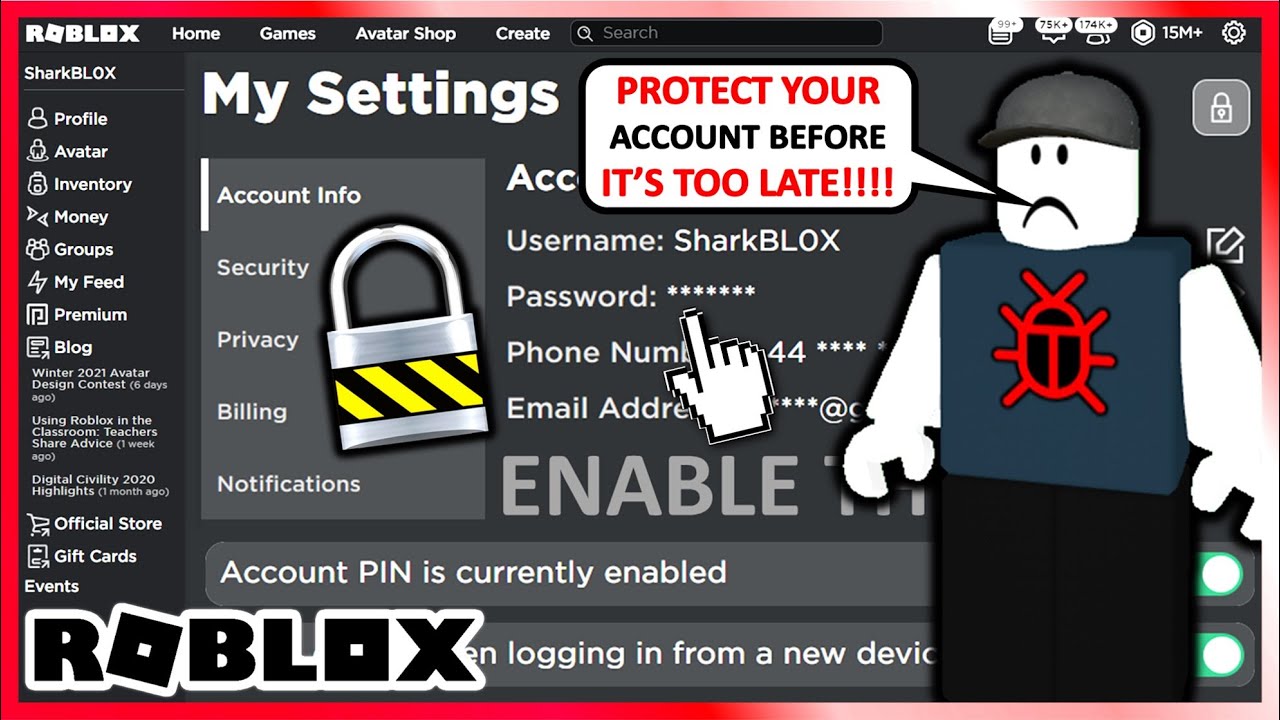
2. Enable Two-Step Verification (2SV)
Roblox offers Two-Step Verification (like 2FA). With this turned on, you’ll receive a verification code to your email whenever a login is attempted from a new device.
- Go to Settings → Security → Enable 2-Step Verification.
3. Add a Verified Email & Phone Number
A verified email/phone helps you recover your account if you get locked out.
4. Turn On Account PIN
With a PIN, even if someone gets into your account, they can’t change settings without entering the code.
5. Activate Parental Controls (For Younger Players)
Parents can restrict in-game chat, purchases, and who can interact with their child’s account for maximum safety.
6. Be Scam Aware
- Roblox never gives away free Robux outside official promotions.
- Avoid suspicious links, “free Robux generators,” or users asking for login details.
Step 4: Protecting Your Robux & Purchases
- Only purchase Robux from the official Roblox store, app stores, or gift cards.
- Monitor your transaction history under account settings.
- Enable Spend Notifications via email to stay aware of purchases.
Step 5: Recovering a Lost or Hacked Roblox Account
If you lose access:
- Go to the Roblox Recovery Page.
- Enter your email or phone linked to the account.
- Reset your password.
- If recovery doesn’t work, contact Roblox Support with proof of ownership (username, purchase receipts).
Step 6: Extra Safety Tips for Roblox Players
- Log out on shared devices (school, library, gaming cafes).
- Don’t share your account even with friends.
- Regularly check login history in settings.
- Join Roblox’s official security updates newsletter for alerts.
Final Thoughts
Creating a Roblox account is simple but securing it is essential. By using strong passwords, enabling two-step verification, and staying alert to scams, you can protect your Robux, items, and gaming progress. Roblox is fun and safe when players understand account security basics.
With this guide, you’re ready to set up your account the right way and enjoy Roblox worry-free!